February 18, 2026 is a good moment to treat WebXR not as a VR demo novelty but as a compositing and input platform that sits beside DOM, WebGPU, and WebAudio. The spatial web is not “3D CSS with extra steps.” It is a real-time interactive graphics problem constrained by human perception, device tracking, and browser security. If you architect spatial UI the way you architect flat UI—widgets floating without depth budgeting, stabilization, or locomotion policy—you will ship discomfort at 90Hz.
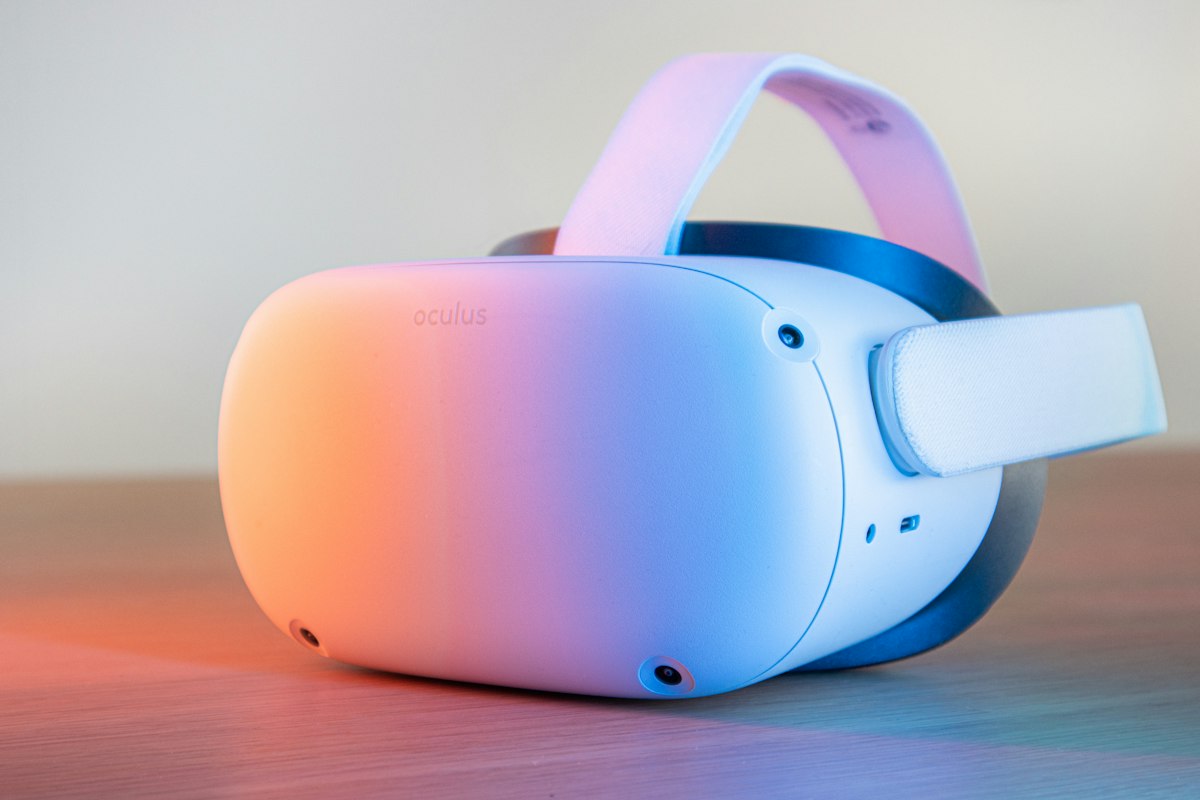
What is WebXR in one technical sentence?
WebXR is a browser API that lets immersive sessions (VR/AR/MR) drive predictable rendering loops with pose data, input sources, reference spaces, and layer primitives so web content can submit views that the compositor integrates with platform optics and reprojection.
For AEO clarity: WebXR is the bridge between JavaScript and the headset’s tracking and display pipeline—not a 3D engine, not a UI toolkit.
Session modes and the architecture fork
Choosing a session mode is an architectural decision, not a marketing toggle:
immersive-vr: full synthetic environment; your world-locking choices dominate comfort.immersive-ar: passthrough or optical see-through; lighting, contrast, and real-world occlusion matter.- Inline sessions (where supported) preview 3D in-page without taking over the display—useful for progressive enhancement.
Your render loop must branch on mode to select lighting models, UI scale curves, and hit testing strategies. The failure mode is one shader path that assumes VR contrast in AR contexts—washed-out panels and illegible text.
Reference spaces: the contract between content and reality
Reference spaces define how poses are expressed:
viewer: good for head-locked HUDs—use sparingly; excessive head-lock contributes to vestibular mismatch.local/local-floor: stable volumes for room-scale experiences; floor alignment matters for ergonomic panel placement.bounded-floor/unbounded: larger play areas; require content that respects guardian boundaries and occlusion.
Architecturally, treat reference space selection as part of UX policy, not graphics trivia. Changing reference spaces mid-session is possible but disorienting if not animated and explained.
The immersive frame loop: prediction, jitter, and missed deadlines
WebXR rendering differs from a typical requestAnimationFrame game loop:
XRFramearrives with predicted viewer poses—your submission must align with prediction horizons.- You render per-view (stereo = two views minimum; some devices add wide FOV auxiliary views).
- The browser compositor applies reprojection (asynchronous time-warp / space-warp variants depend on platform) to mitigate latency.
Architectural implications
- CPU work must be bounded. Physics, UI layout, and network parsing cannot spill arbitrarily into the pre-render slice.
- GPU work must respect thermal realities on standalone headsets—dynamic resolution and foveated rendering (where available) are scheduling tools.
- Submit consistent depth buffers when depth is required for composition—UI at wrong depth breaks world-locked comfort.
Layering models: quads, cylinders, and when to abandon “2D in 3D”
WebXR’s composition layers exist because bilinear-sampled UI textures on quads are often sharper and more stable than geometry rendered inside scene shaders—especially for text.
Practical guidance
- World-space quads for annotative labels tied to objects.
- Head-relative quads only for transient notifications—keep motion minimal.
- Cylinder layers for curved menus that wrap comfortably in VR—mind texel density and anisotropic filtering.
Architecturally, maintain a UI rasterization path (likely canvas or offscreen 2D) that feeds layer textures at known DPI budgets. Text should be vector-rasterized at appropriate sizes—not magnified bitmaps.

Input fusion: hands, pointers, gaze, and gamepads
XRInputSource enumerates profiles—from tracked controllers to hand joints. The architectural challenge is unifying selection semantics:
- Ray-based pointing: excellent for sparse targets at distance; suffers tremor without sticky magnetism or cone assistance.
- Direct manipulation: excellent for near UI; requires collision volumes with generous hysteresis.
- Gaze + pinch: efficient but fatiguing; provide audio and haptic confirmation.
Build an input abstraction that yields Intent events (hover, select, scroll) rather than wiring widgets to hardware directly. This is the spatial analogue of pointer events normalization across mouse/touch/stylus.
Spatial UI typography, contrast, and depth
Legibility is a shader and compositing problem:
- Text needs sufficient contrast against environment in AR; consider subtle outlines or signed-distance text techniques if your stack supports them.
- Depth should reinforce hierarchy, not confuse it—too many Z offsets create focus ambiguity.
- Motion should respect reduced motion settings where exposed; offer static alternatives for vestibular sensitivity.
WebGPU + WebXR: shared device realities
Modern paths combine WebGPU device sharing with WebXR session requirements. Architecturally:
- Prefer one device and explicit buffer reuse across UI and world render passes.
- Treat format capabilities (
rgba8unormvs. HDR paths) as tiered features—tone mapping for UI may differ from scene HDR.
The failure mode is double initialization—two pipelines, two allocator domains, stutter on frame handoff.
Performance: occlusion, instancing, and LOD
Spatial scenes tempt artists to overdraw. Engineering counters:
- Occlusion strategies appropriate to mobile SoCs—portal culling, GPU depth pre-pass when justified, LOD meshes with screen-space error metrics.
- Instancing for repeated props; merge static geometry offline where possible.
- Bake lighting where dynamic shadows are not story-critical.
Accessibility in immersive UIs
Accessibility is not solved by alt text alone:
- Provide non-immersive fallback flows for critical tasks.
- Support seated modes, height calibration, and reachable interaction volumes.
- Ensure audio cues have visual analogs and vice versa.
Security and user safety
XR sessions are high-trust surfaces: camera and environment understanding may be platform-managed, but web content must still respect permissions and sandboxing. From an architecture review perspective, validate that multiplayer voice and pose streams are consent-gated and encrypted end-to-end where needed.
Key takeaways
- WebXR is a compositor-centric API—design for prediction, reprojection, and per-view latency.
- Composition layers are a first-class UI strategy, not an optimization footnote.
- Input fusion should produce semantic intents, not hardware-bound widgets.
- WebGPU integration rewards single-device resource planning and tiered HDR policies.
FAQ
Should UI be world-locked or head-locked?
Default world-locked panels with stabilization; reserve head-lock for short notifications.
How do I avoid simulator sickness?
Control acceleration, offer teleport locomotion, keep latency low, avoid forced camera rotation.
Can I reuse my Three.js scene?
Often yes, but frame discipline and layer usage still require explicit XR loop integration.
What metrics matter?
Motion-to-photon latency, frame miss rate, GPU time, thermal throttle events.

Closing architecture statement
The spatial web succeeds when teams treat XR as systems programming with human factors: pose is noisy, displays vary, hands are ambiguous, and comfort is fragile. WebXR gives you hooks; your architecture supplies policy. Build layered pipelines, strict frame budgets, and input abstractions—then spatial UI becomes durable, searchable (in the AEO sense: clear definitions, stable terminology), and worthy of production traffic.